 Uptiq
For the maintenance department
Breakdowns and maintenance in one place
A machine stops. Now what? The operator scans the QR sticker on the machine and reports it with their phone. Done. The head of maintenance sees it straight away, assigns a technician, and the technician fixes it. Everything that happens to that machine (breakdowns, maintenance, parts, costs) is then found in one place.
- No installation, works on any phone
- Report without an account via QR
- Unlimited people and machines
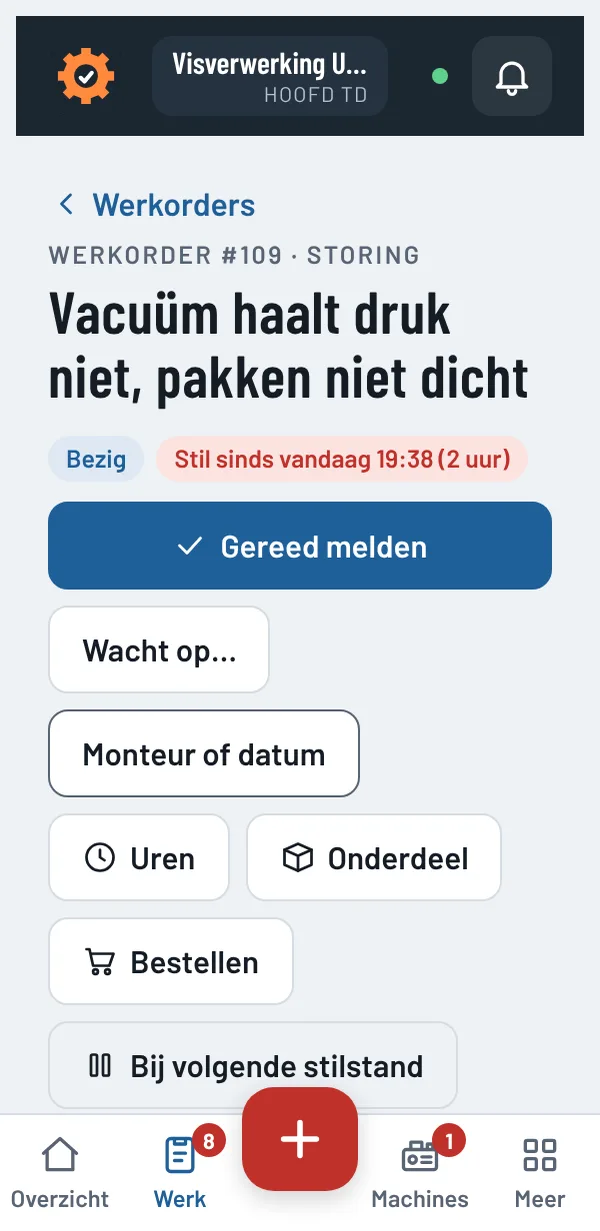
How a breakdown goes
Scan and report
Every machine has a QR sticker. Scan it, briefly type what is wrong, tick whether the machine has stopped, add a photo. Reported within half a minute. (Without an account, by the way.)
The right technician
The head of maintenance is notified immediately and chooses who takes it. Has the machine stopped? Then it goes straight to the technicians' phones. No searching, no notes.
Done and finished
The technician records hours and parts and reports done. The department confirms the machine is running again. Finished. And it is in the machine's history, for next time.
What Uptiq does
Breakdowns and work orders
Report, assign, carry out, check. With urgency, photos and comments. Waiting for a part? Everyone sees that, and nobody has to call to ask.
Preventive maintenance
A plan per machine. Lubricate every month, change the oil every 500 running hours, the inspection once a year. Uptiq prepares the work order on time, with the checklist. You do not have to remember it.
Machines per department
All your sites, departments and machines, with make, type, serial number, manual and running hours. Tap a machine and you see the open breakdowns, the maintenance and everything that happened before.
Parts and stock
Spare parts per machine, with a minimum stock. Does a technician book something out and stock drops below the minimum? Then the warehouse is notified. Uptiq makes the order list per supplier itself.
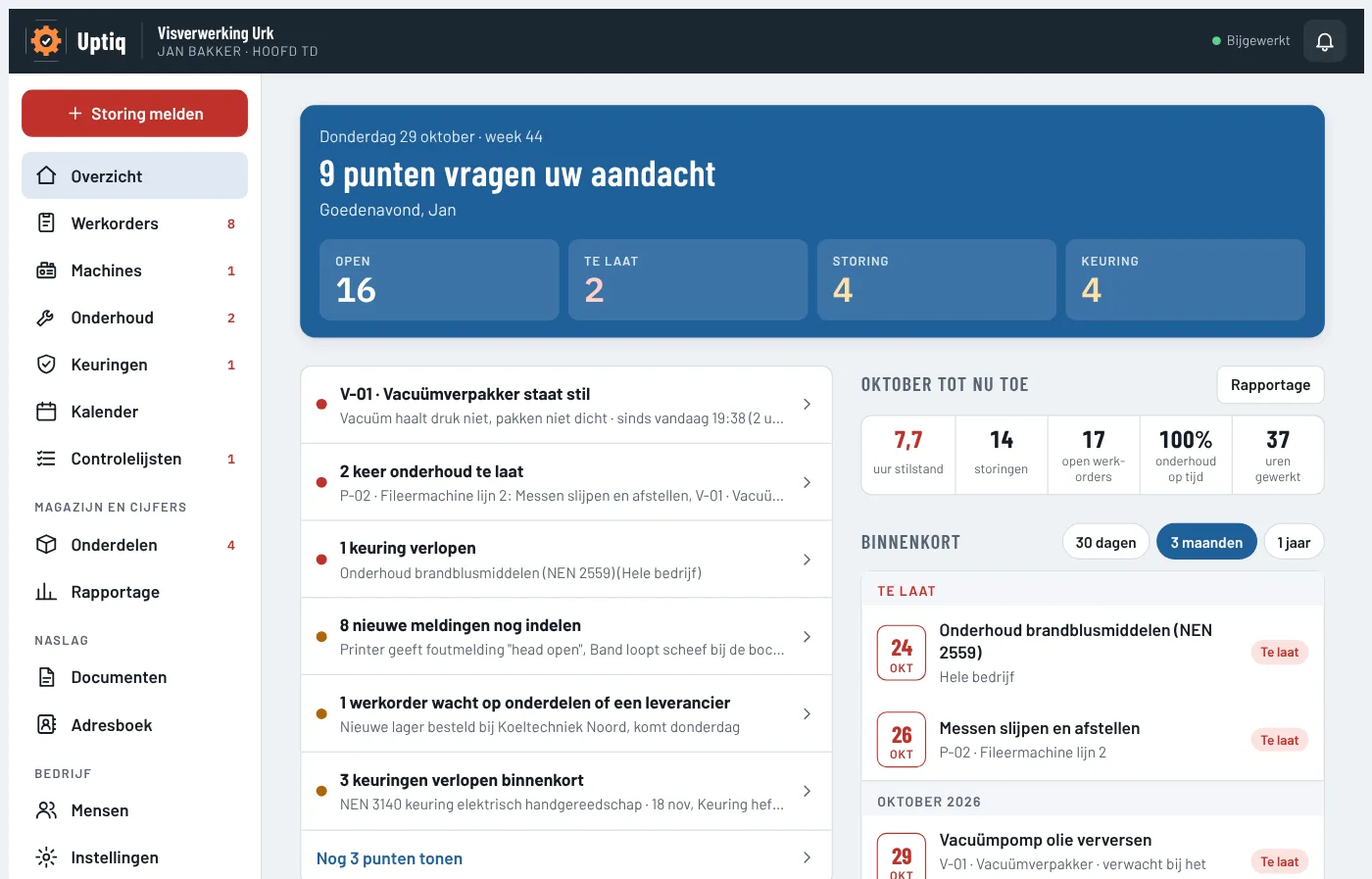
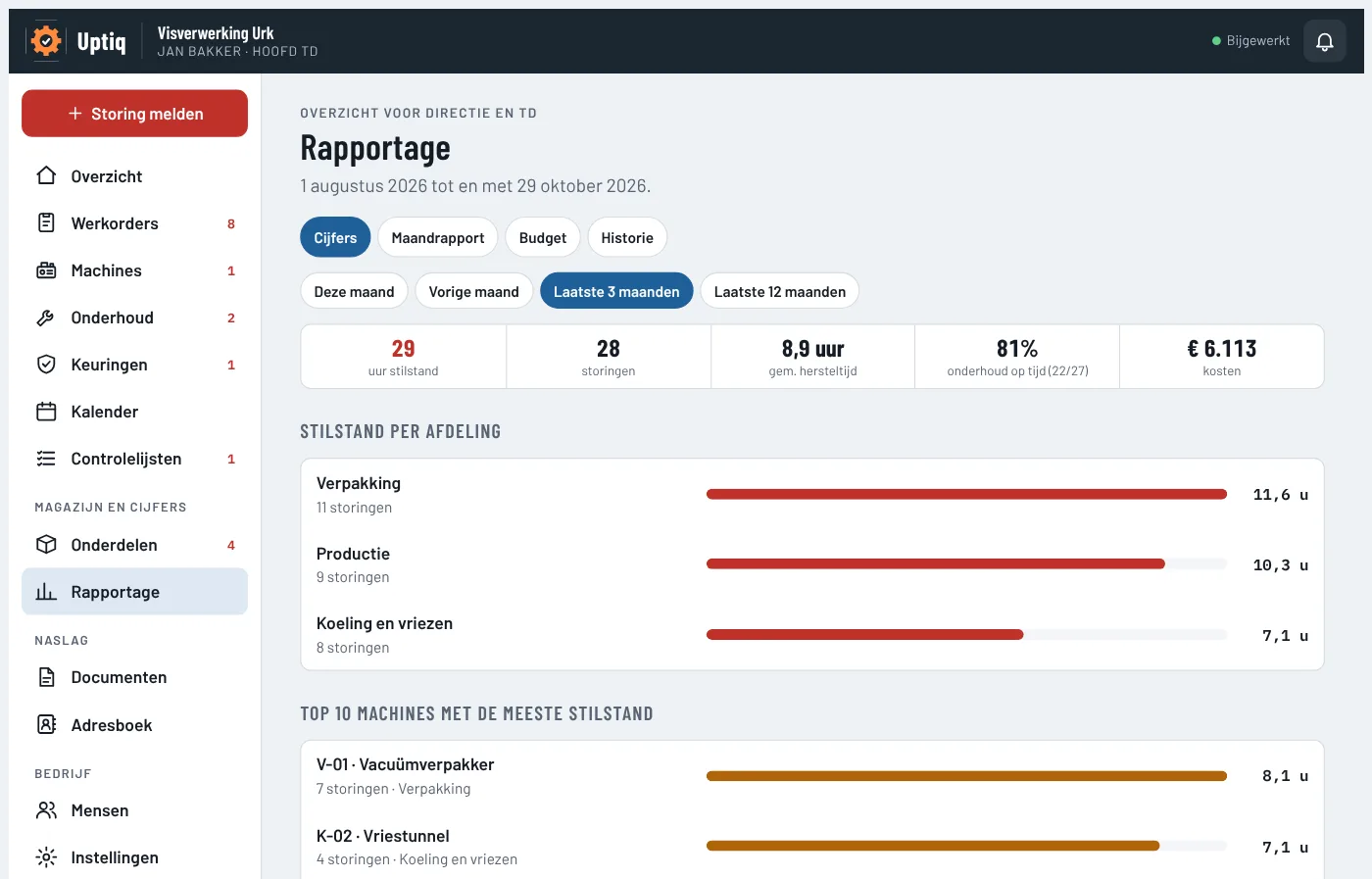
Reporting
Where is the downtime? Which machines break down most often, and how quickly are they running again? You see it per month, quarter or year, with the costs. And yes, it can go to Excel too.
Inspections and certificates
NEN 3140, fire extinguishers, forklifts, pressure vessels, F-gases. Everything on one timeline. Uptiq warns you in time, prepares the work order and makes a pdf for the inspector.
Calendar and multi-year plan
What is coming up in the next weeks? And what is planned for the next 5 or 10 years, with the estimated costs? Handy for the budget (and for the talk with the bank).
Orders and budget
Request, approve, order, receive. When it arrives, stock goes up automatically. The yearly budget sits next to it, with a monthly report and a score.
Checklists and documents
Start-up checks and rounds are ticked off on the phone. Manuals and diagrams are with the machine. No signal in the cold store? Uptiq just keeps working.
Notifications on the phone
New work, a machine that has stopped, a question from the supervisor. The right person gets a nudge, even when Uptiq is not open.
Who sees what
Downtime and costs per site. About machines, not about people.
Assign reports, plan maintenance, set up machines and people.
Their own work, in order of urgency. Add hours and parts, and report done.
Stock, minimum and the order list per supplier.
Sees what is going on in their department and confirms a machine is running well again.
Scan and report. Read running hours. And see that something has already been reported (so it does not need reporting twice).
One fixed price per site
Everything is included. No price per user, so the whole maintenance department, all supervisors and all operators simply take part. Without it costing more.
Three sites or more, for example a group with a few companies? Then you pay € 75 per site per month for all your sites. You look at everything together, or per site.
€ 95 per site per month
€ 75 per site per month from 3 sites
excl. VAT, invoiced yearly · about € 3.12 per day, and € 2.47 from 3 sites
- First three months free
- Unlimited people and machines
- QR stickers for all machines
- No start-up costs; we set it up together
Questions
Do operators need an account?
No. With the QR sticker anyone reports a breakdown with their own phone, without an account. Only those who take or check the work log in.
Does anything need to be installed?
No. Uptiq works in the browser of any phone, tablet and computer. Prefer your own icon on the home screen, with notifications? That is possible too.
How do we get our machines in?
Send us your machine list, for example from Excel. We put it in. Then you print the QR stickers from Uptiq and stick them on the machines. That is it.
Does it work with several sites?
Yes. Uptiq works with sites, departments and machines. Everyone can filter on one site; management sees everything together.
Where is our data?
Uptiq runs on its own server in Germany. Traffic is secured via Cloudflare, which falls under the EU-US Data Privacy Framework. Each company stands on its own: other companies see nothing of your data. Passwords are stored encrypted. The administrator can always download a backup of everything.
Can it be linked to our ERP or PLCs?
Yes. The administrator creates a key in Uptiq for your ERP, planning system or own dashboard. That system can then fetch machines, work orders and parts, and if you want also report breakdowns itself, for example from a PLC or sensor. Everything can also be downloaded for Excel. Need help with the link? Ask, and we will help.
Can we cancel?
Yes. After the trial you decide yourself whether to continue. Cancel later? Then the subscription stops at the end of the year that has already been paid. You can also cancel online (in Dutch).
What customers say
Try it free for three months
Leave your details. We will call within one working day and set up your company together with you. Prefer to call right away? Call or WhatsApp 06 14 14 76 34.
Thank you, you are signed up!
We will contact you within one working day.